Everyday money
Bills and forecast
Track regular bills and income, let imports tick them off as paid, and see where your balances are heading over the next year.
Bills & Schedule keeps a list of what comes out and goes in regularly: rent, rego, the phone bill, your pay. Forecast uses that list to show where your balances are heading. Both are in the sidebar under Planning.
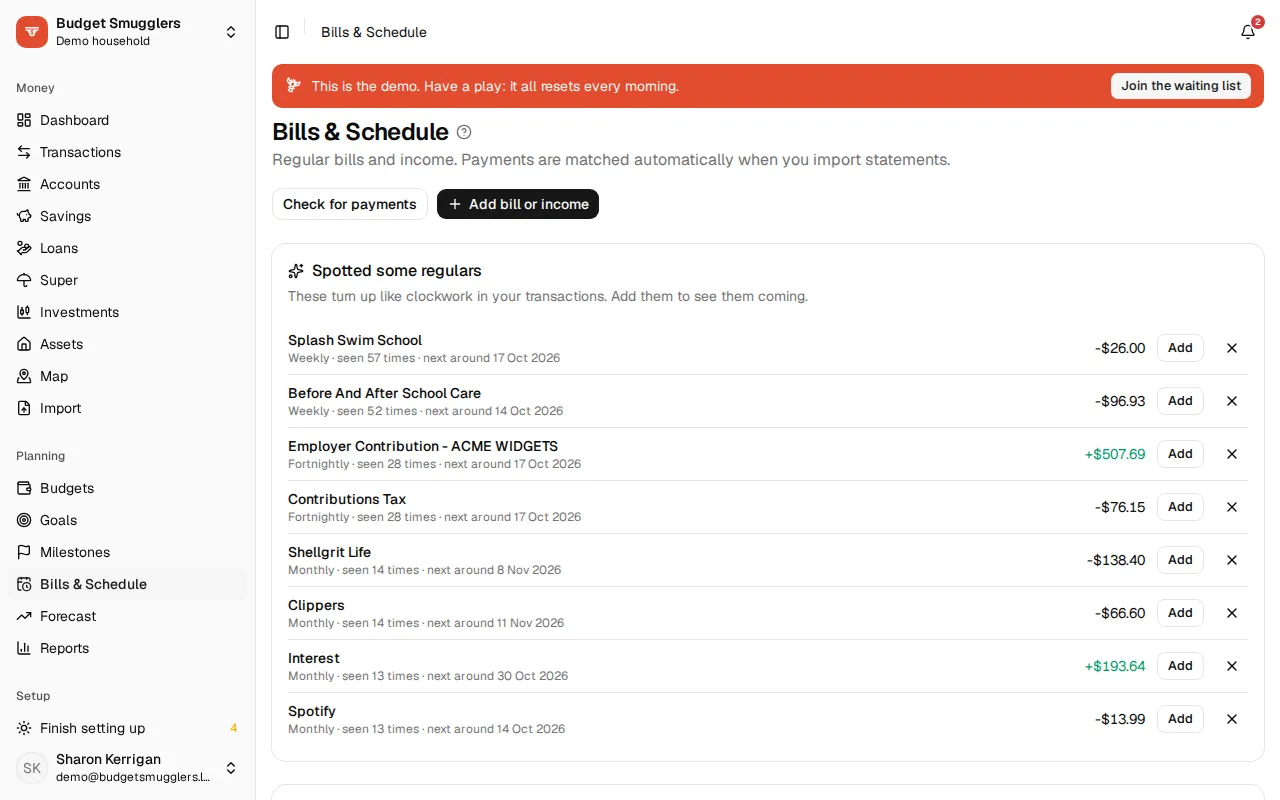
Add a bill or income#
- Open Bills & Schedule and choose Add bill or income.
- Pick Bill (money out) or Income (money in).
- Enter the Name, Amount and Account it comes from or goes to. A Category is optional.
- Set How often and the First (or next) due date.
- Choose Add.
How often can be one-off, weekly, fortnightly, monthly, quarterly or yearly. The box beside it sets “every so many”, so monthly with 2 is every second month.
The other options:
- Always the last day of the month, for monthly, quarterly and yearly items.
- If it lands on a weekend: leave it, move it to the Friday before, or move it to the Monday after.
- Ends (optional), for a bill that stops on a set date.
- Match payments containing: a bit of text from the bank description, like
agl. Leave it blank to match on the exact amount only. - Amount can vary by (%): how far the payment can differ from the amount and still count. It starts at 10%.
Spotted some regulars#
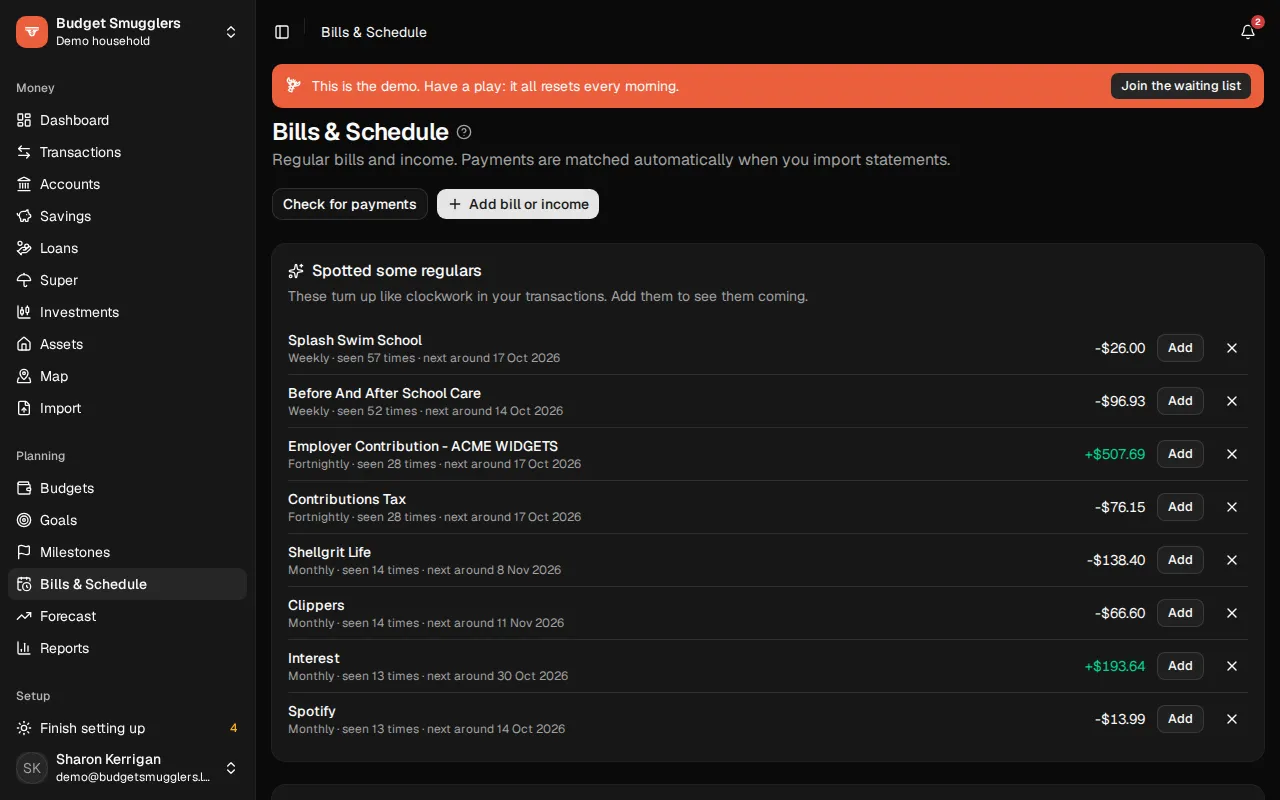
Budget Smugglers looks through about the last 13 months of transactions for payments that turn up like clockwork. They’re listed under Spotted some regulars, with how often, how many times they’ve been seen, and when the next one is likely. Choose Add to start a bill from one, already filled in. Choose the cross to dismiss it.
How payments are matched#
Each time you import a statement, due bills and income are checked against the new transactions. A payment counts when it:
- goes the same way (out for a bill, in for income),
- is within the allowed variation of the amount,
- contains the match text, if you set one, and
- lands between 4 days before and 7 days after the due date.
You can also choose Check for payments to run the check now.
Coming up and recently paid#
The top of the page has two tabs.
Coming up lists what’s due over the next couple of months. Each date has a status:
| Status | Meaning |
|---|---|
| Upcoming | Not due yet. |
| Due | Due today or in the last few days. |
| Late | More than 3 days past due with no matching payment. |
Recently paid lists what was paid or skipped over the last month.
Use the … menu on a row to fix things up by hand:
- Mark as paid when the payment came from somewhere Budget Smugglers can’t see.
- Skip this one when it didn’t happen this time.
- Undo to put a paid or skipped date back.
Pause or remove#
Click a bill in Everything scheduled to edit it. Untick Active to pause it without deleting. Remove deletes it along with its payment history.
Forecast#
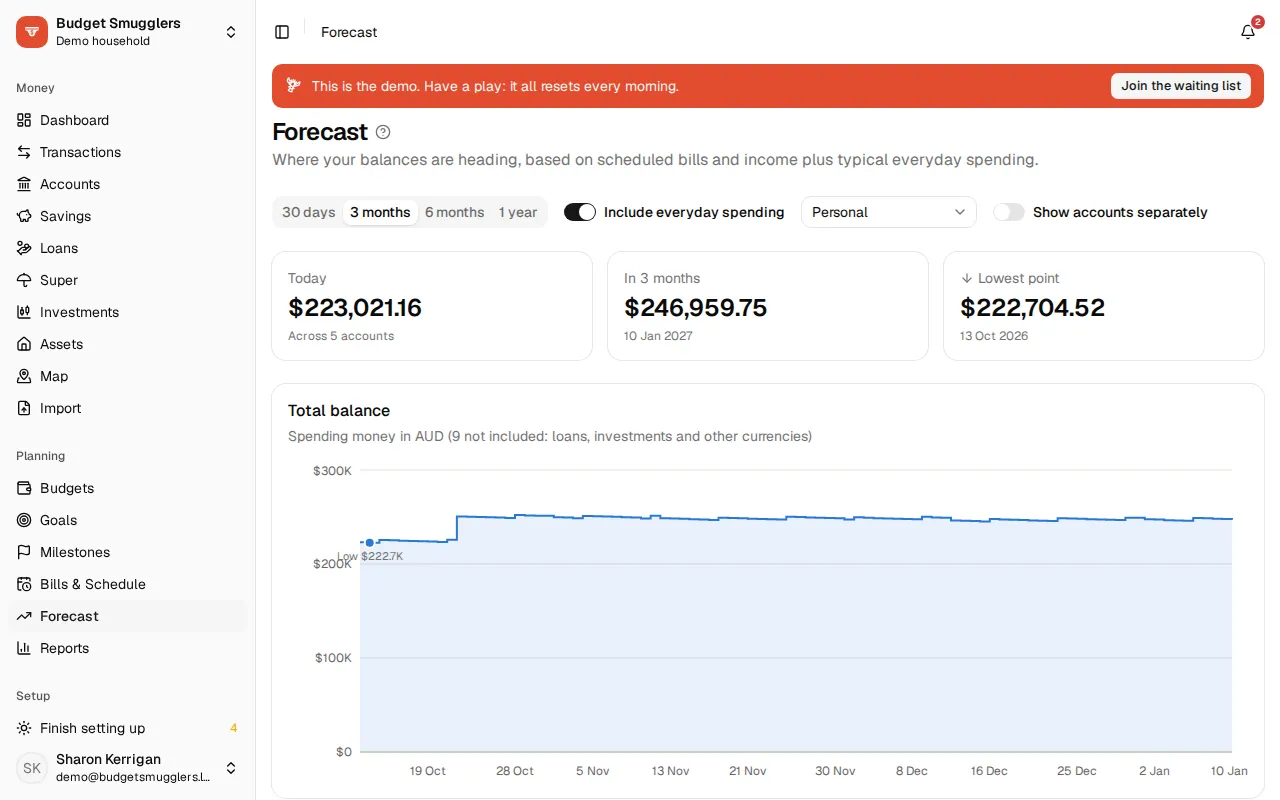
The forecast plays your balances forward day by day. It starts from today’s balances and adds:
- your bills and income,
- loan repayments and interest, from each loan,
- interest and maturities on savings and term deposits, and
- everyday spending, if Include everyday spending is on.
Everyday spending is your budget for each category where you have one, and otherwise the average of the last three full months. Bills already on your schedule are taken out so nothing counts twice. The Everyday spending assumed card lists the amounts.
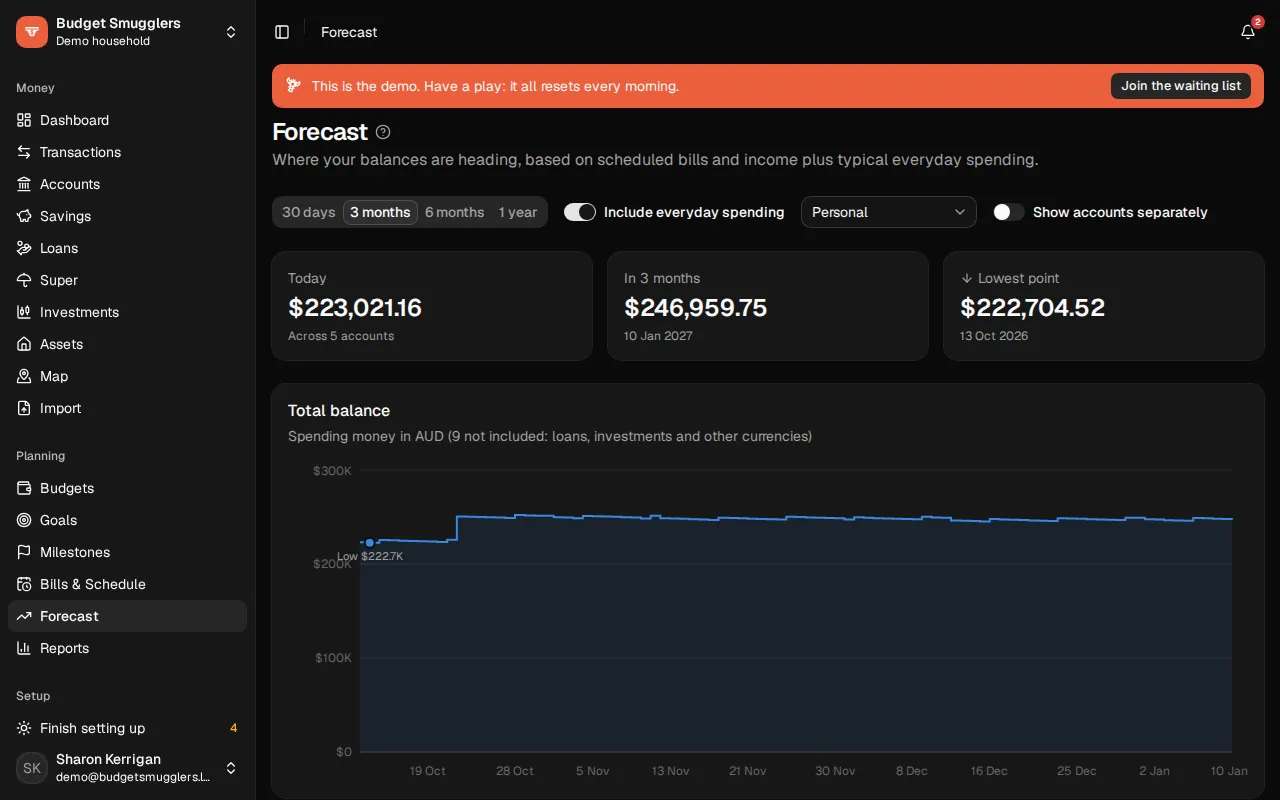
Pick how far ahead to look: 30 days, 3 months, 6 months or 1 year. Three cards show the total Today, at the end, and the Lowest point.
What it includes#
The total is spending money in your pool’s currency: everyday, savings and offset accounts, cash and credit cards. Loans, investments and accounts in other currencies are left out of the total.
Turn on Show accounts separately to see a line per account. The Accounts table lists each one’s balance now, its lowest point and where it ends up.
A bill that’s still unpaid (up to 45 days late) is assumed to go out today, rather than never.
What if#
The Bills and income in this forecast card lists every bill, income and loan repayment in the period. Untick one to see the forecast without it. Nothing is changed; it only affects what you’re looking at.
Low balance warnings#
If an everyday, savings, offset or cash account is forecast to go below zero, a warning at the top says when and by how much. Moving money across beforehand would avoid it.
Weekly balance range#
Below the forecast, Weekly balance range shows the last six months for one account you spend from. Pick it from the list. Each week is a bar from its lowest to its highest balance, with a dot where it finished.
The dashed line is a buffer to stay above. It’s worked out from your usual week’s spending and your lower balances. Choose Change to set your own, or Work it out for me to go back. Weeks that dipped under the buffer or below zero are marked.
Businesses#
If your pool has a business, the forecast has a picker for Personal, All accounts or a single business. See Businesses.