Everyday money
Budgets
Set a monthly limit per category, carry what's left into next month, and see how you're tracking as the month goes.
A budget is a monthly spending limit for one category. Open Budgets in the sidebar, under Planning, to see this month: what you’ve budgeted, what you’ve spent, and what’s left.
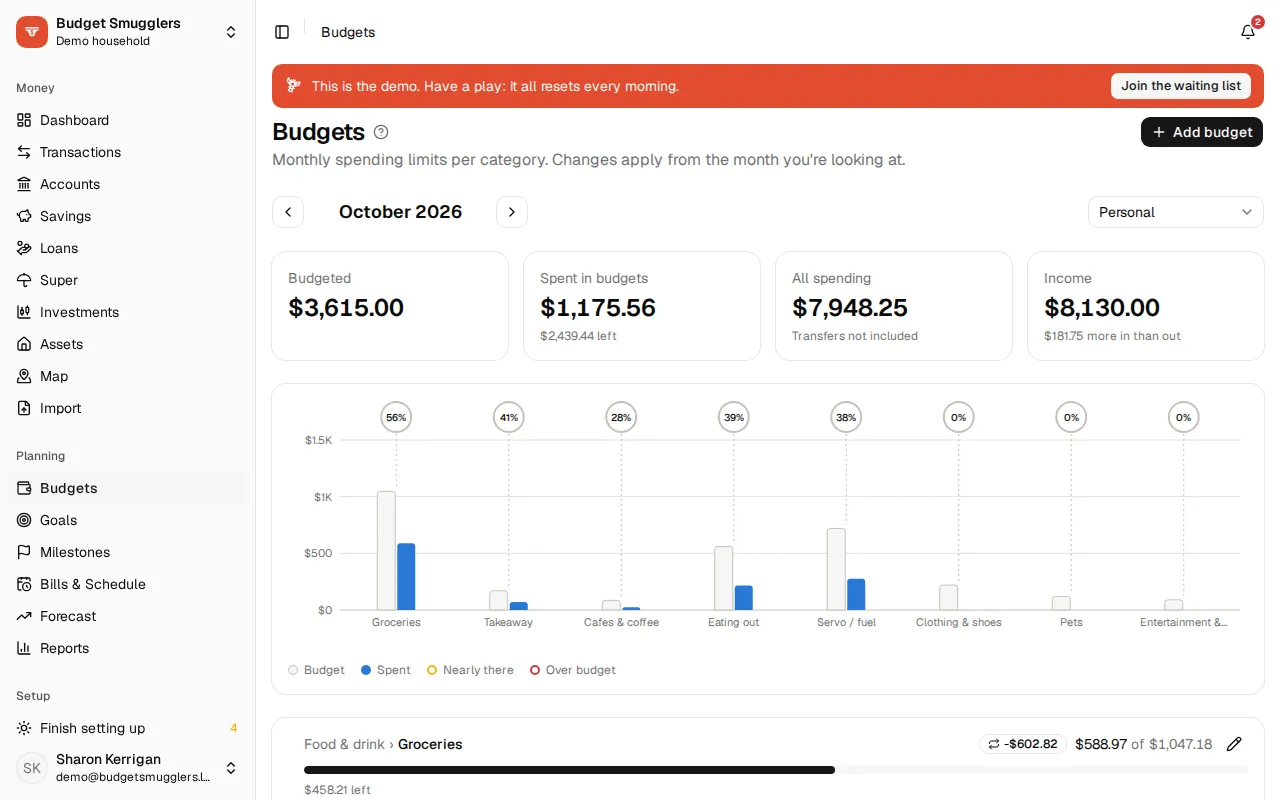
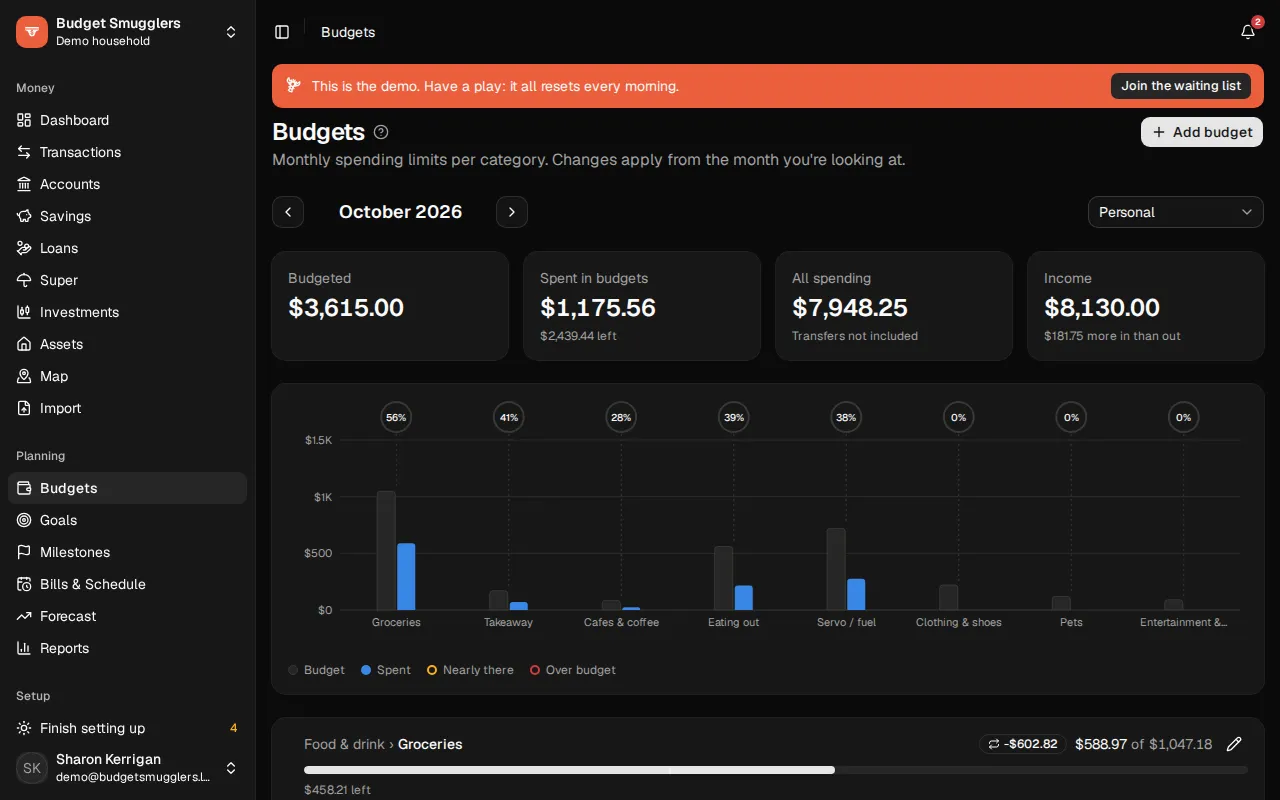
Add a budget#
- Open Budgets and choose Add budget.
- Pick a Category.
- Enter the amount Per month.
- Turn on Roll over if you want what’s left (or what you overspent) carried into next month.
- Choose Save.
A new budget applies from the month you’re looking at onward. Earlier months keep their amounts.
The page also lists Spending without a budget for the month. Choose Budget this next to a category to start a budget for it, with an amount suggested from what you spent. It’s the quickest way to set up your first few.
Parent categories#
Budgeting a parent category covers all its subcategories. A $600 budget on Groceries counts the supermarket, the butcher and the bakery together. The row shows incl. subcategories so you can tell.
Reading the page#
Use the arrows to step between months, or This month to come back.
Along the top:
| Figure | What it is |
|---|---|
| Budgeted | The total of your budgets for the month. |
| Spent in budgets | What went on budgeted categories, and how much is left or over. |
| All spending | Everything that went out, budgeted or not. Transfers between your own accounts aren’t counted. |
| Income | Money in, and whether more came in than went out. |
With more than one budget, a chart compares them side by side. Below it, each budget has a bar:
- The bar fills as you spend. It turns amber at 90% and red once you’re over.
- A thin line marks where you’d be if you spent evenly through the month. Ahead of the line means you’re spending faster than the month is going.
- Click the amount spent to see those transactions.
Refunds in a category reduce what you’ve spent.
Roll over#
With Roll over on, the budget carries over from month to month. Spend $400 of a $500 budget and next month has $600 to work with. Overspend by $50 and next month starts $50 short. The carried amount shows in a small badge next to the category.
Change or stop a budget#
Click the pencil next to a budget to change it. Changes apply from the month you’re looking at, so past months stay as they were.
To stop budgeting a category, open it and choose Stop budgeting from that month. Earlier months still show the budget.
Businesses#
If your pool has a business, a picker next to the month switches between Personal and All accounts. Budget amounts are the same either way; only the spending counted against them changes. See Businesses.
Where budgets show up#
- The forecast uses your budgets as everyday spending, in place of averages.
- The money health check on the dashboard scores how many budgets you kept over the last three months. See Reports.
- The weekly email digest lists any budgets you’re over. See Notifications.