Wealth
Shares and ETFs
Track a share portfolio from broker files. Delayed prices, average cost, gains, and a capital gains report for each financial year.
A share portfolio holds the shares and ETFs you have with one broker. It’s valued at market prices and counts in your net worth at what it’s worth today. Back through its history, it’s valued at each month’s closing prices.
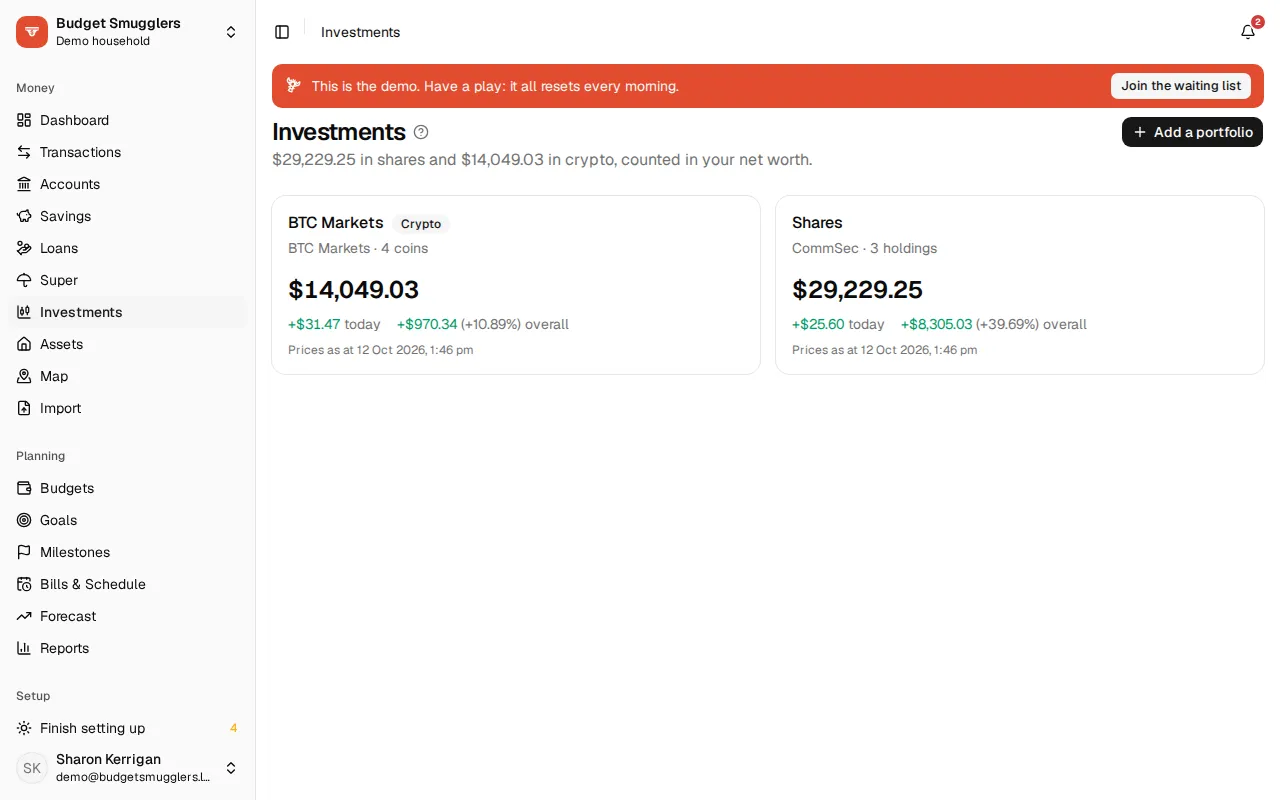
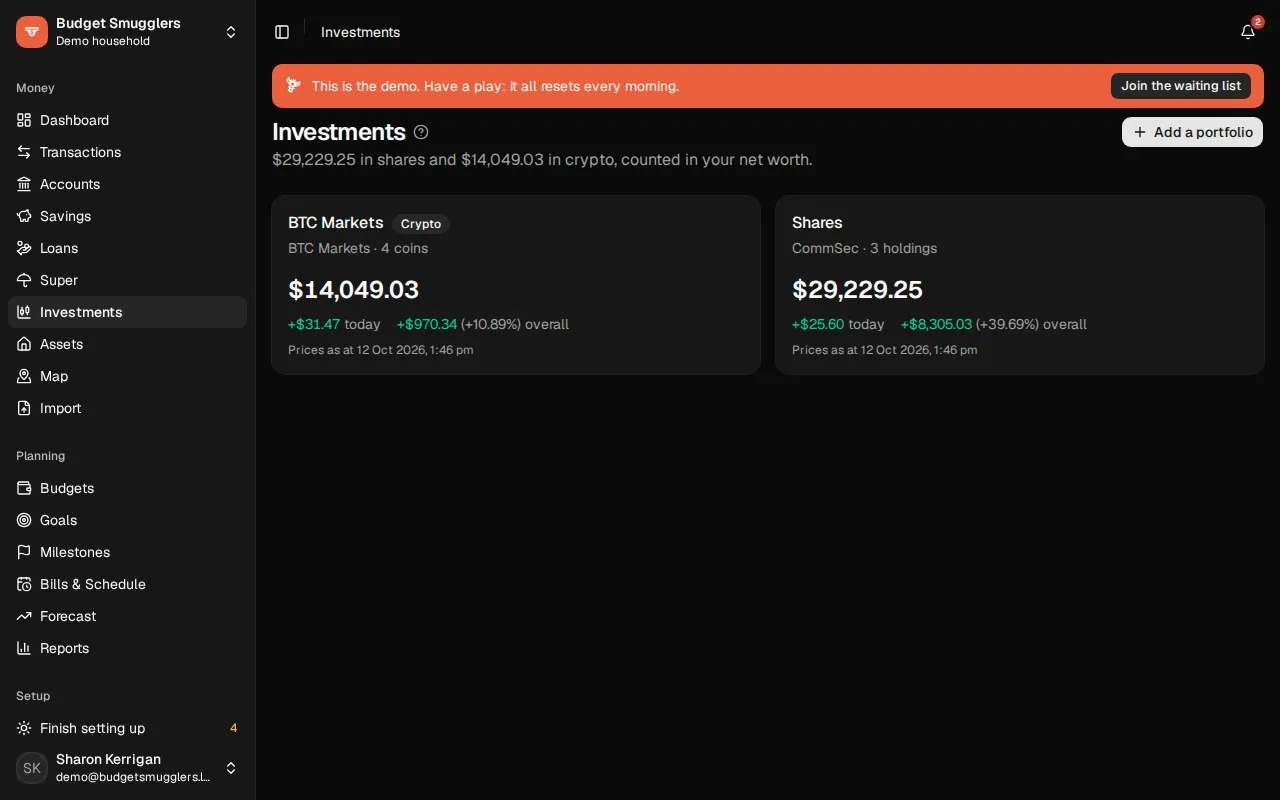
Adding a portfolio#
- Open Investments and choose Add a portfolio.
- Set Holds to Shares and ETFs.
- Give it a Name and the Broker it’s held with, then choose Add.
Add one portfolio per broker account. You can also start from an account with the type Investment on the Accounts page and choose Track its shares.
The portfolio’s balance is what its holdings are worth. Cash stays in your bank account (for CommSec, the CommSec cash account), imported like any other account.
Getting holdings in#
There are three ways in, and they work together.
- Trades. Each buy and sell, with its price and brokerage. Holdings, the average cost and your gains are worked out from them.
- A holdings report. What the broker says you hold on a date. Use one to start a portfolio when you don’t have the full trade history. Units your trades don’t explain become “held before” lines (if the report is earlier than your trades) or adjustments. Anything the report doesn’t list counts as sold by then.
- Your cash account. Importing CommSec’s cash account reads its settlement lines (“B 187 LYC @ 2.680000”). Any trade the portfolio doesn’t have yet is added, dated two business days before it settled.
To type one in, open the portfolio’s Trades tab and choose Add a trade. Pick Bought, Sold or Split.
From CommSec#
CommSec files are read straight in.
- Confirmations: in CommSec, go to Trade › Confirmations, choose the dates and Download CSV.
- Holdings: go to Portfolio › Accounts, pick the account and Download CSV.
- Drop both files on the portfolio’s Import tab and check the preview.
- Download your CommSec cash account’s transactions as CSV and bring them in on the normal Import page.
Trades already in the portfolio are skipped. That’s the same confirmation number, or the same day, code, units and price. Overlapping downloads are fine.
The Sync extension can download these for you. Record the clicks once, and broker files it brings in go straight into your portfolio. If you have more than one portfolio, it asks which.
Other brokers#
Drop their CSV on the Import tab and choose which column holds what: the code, units, price and so on. Say whether This file has trades or holdings, and give it a name under Remember as. It’s remembered for files with the same columns.
QIF files with investment records (from Quicken and similar) are read directly.
Paying for shares isn’t spending#
Each trade is matched with the bank transaction that paid for it, or received the money from a sale. To match, it needs the same amount, within five days, and one of these:
- CommSec’s reference (“C” and the confirmation number)
- a settlement line naming the same code and units
- a description mentioning the broker
The two are paired as a transfer into the portfolio, so buying shares doesn’t count as spending. To look again, choose Match bank transactions on the portfolio’s Setup tab.
Dividends come in with your bank account as income.
Prices#
Each pool picks its price feed in Settings › Pool, under Share prices.
- Yahoo Finance (the default). Free, no key. Covers the ASX, US, London, Toronto and New Zealand. It’s unofficial and can stop working without warning.
- EODHD. Reliable prices from eodhd.com, with your pool’s own key. A free key allows 20 calls a day, enough for a few holdings. Keys are stored encrypted and never shown again.
When something is first held, its daily closing prices are filled in back to the first trade. While a market’s open, quotes refresh every 15 minutes. They’re about 15 to 20 minutes behind the market. Until the feed has a price, a holding is valued at its last trade price. Update prices now on the Setup tab fetches them straight away.
Holdings in another currency (US shares in an AUD portfolio, say) are converted at that day’s European Central Bank rate, from Frankfurter.
If the feed stops working for a day, say because a key has expired, you’ll get a notification.
What’s worked out#
- Cost base: what the units you hold cost, brokerage included, on average. A sale takes its share of the cost. The difference is the gain locked in (“sold for a gain”).
- Gain: what your holdings are worth now, less their cost.
- Splits: add a trade of type Split with the new units per old unit (2 for a 2-for-1).
Franking credits aren’t worked out.
Tax time#
The portfolio’s Tax tab shows one financial year at a time, using your pool’s financial year start. It opens on the last year to end.
- Net capital gain or loss, with gains split into units held 12 months or less and over 12 months.
- Each sale, matched against the units it used up, oldest first (first in, first out), with its cost base, proceeds and gain.
- What was held at the year’s end, at that day’s prices.
For an Australian pool, the 50% CGT discount comes off gains on units held over 12 months. Losses come off the other gains first. The rules follow Capital gains rules in Settings › Pool, which starts from the pool’s language and region. Elsewhere no discount is worked out. Losses carried in from earlier years aren’t known here.
Three downloads suit a tax agent or tax software: Year-end balances, Year’s transactions and Capital gains, with its totals.
Stopping tracking#
Stop tracking on the Setup tab removes the portfolio’s trades and holdings, and it leaves your net worth. The account and its transactions stay.